
ToothPaste: A Better Vector To Blender Workflow For Motion Designers
Written by Todor Hlebarov, Co-founder & Motion Designer @ Cosmonavt Studio
Illustration by Todor Hlebarov
Intro
A lot of animators out there would never put Blender and 2D animation in the same sentence. For those of you who aren’t familiar with it, it’s a 3D software that’s been getting traction with the animation community for a while now. Blender recently proved its worth on an international level after “Flow”, an animated movie created by a single person, won an Oscar, and left studios like DreamWorks behind. For a while, After Effects has been the main player on the motion design scene, and it has softly crossed over to the animation field. And while I learned it at university, taught advanced courses in it, and built a business around it, honestly, there’s always been a pull to get into Blender full-time. What are the benefits? It is what I believe ethical creative software is meant to be - it’s open-source, it’s free, the community is even better than the tool itself, and it’s very versatile. Back when I first got into it, Blender was strictly a 3D tool. But then something changed.
Why Blender?
By that point, I’d spent years doing commercial work in After Effects, and even went into teaching it to thousands of students as a side hustle for a big online platform. I was sure it was the way to go, not only for motion graphics, but for a more streamlined workflow for character animation, too. (Animate, you were never my cup of tea, sorry!) This was until a student in one of my classes stood passionately against this idea: ”After Effects is the worst option one has for character animation. There’s no point teaching us how to do it this way. There are tools out there that are much better.” (Honestly, thank you, Alexander!)
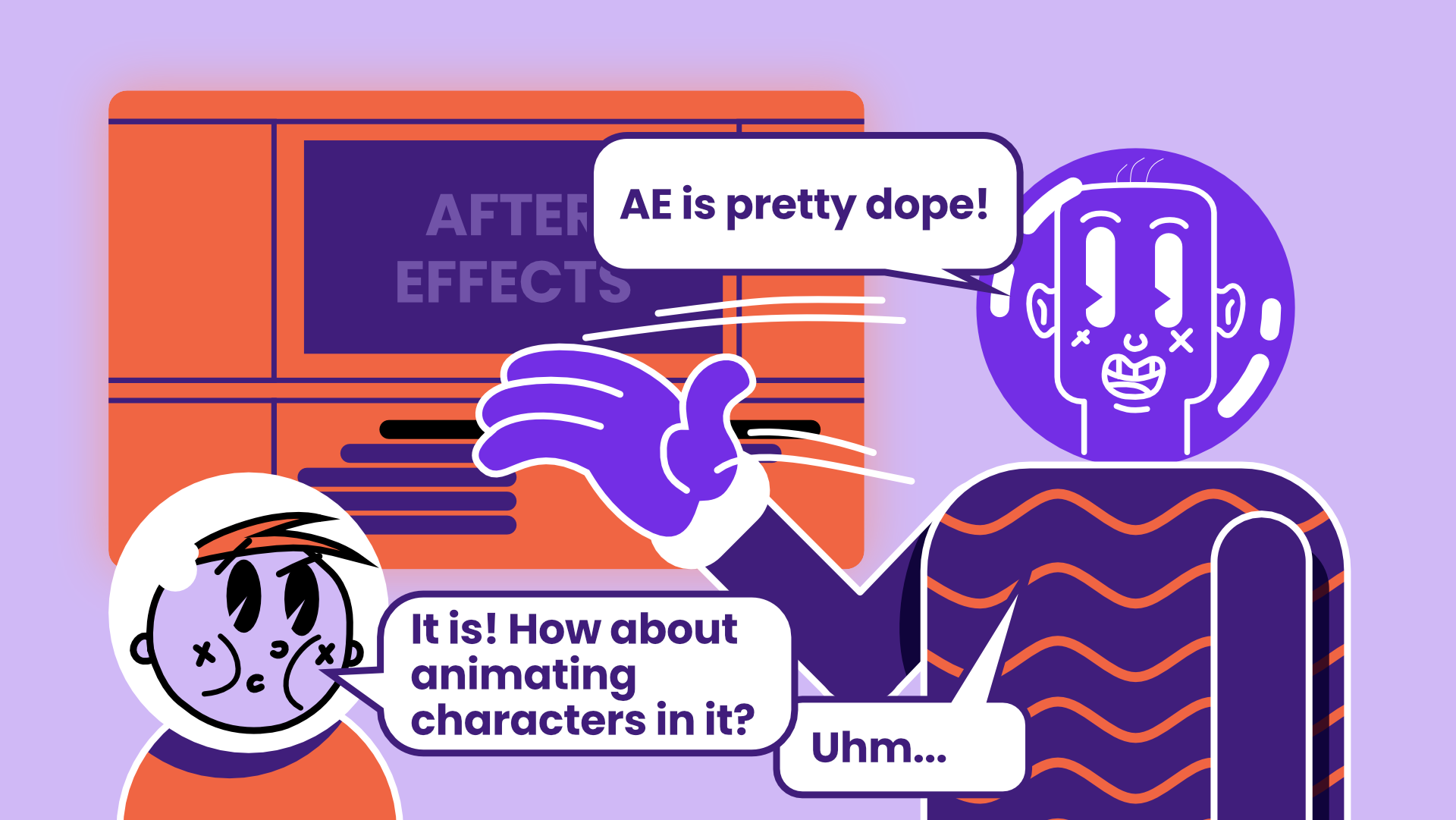
Illustration by Todor Hlebarov
I was stunned. My ego suffered a little, and maybe he was a bit too harsh on After Effects. But then, I did some internal work, and I dug deeper: “OK, I already know what makes After Effects great, but what does actually make it really, really bad for animating characters?”
There are many reasons it doesn’t work well. After Effects, as the name suggests, was initially built with post-production work in mind, not necessarily motion graphics, let alone character animation. Although I’d been using it for at least 10 years for exactly this, I couldn’t deny that it felt clunky, lacked the necessary tools without spending even more on plugins, and worst of all, it felt sluggish when animating even basic characters. I’m sorry, After Effects, but you were never meant for this. Many a motion designer has gone through the pain of animating characters on a mid-to-low range machine, and After Effects completely ruins the experience. You go out of flow in no time, waiting for caching and fighting the tool.
In the past couple of years, Adobe has been taking steps toward quality-of-life improvements that made working in After Effects easier, and that’s great for die-hard fans. However, if you’re looking for the best tool for the job, After Effects isn’t it. And while I can survive going constantly out of flow, there’s a bigger underlying issue. If I ever stopped paying my subscription, I could never open a single project file I’ve created. That’s a huge issue in terms of work-file ownership, and that’s another great reason for me to look for an alternative. How could you say you own an artwork and never be able to open it unless you pay? It's like buying a Van Gogh painting, keeping it in a safe place, and paying every time you go to see it. Seems kind of an obvious contradiction, doesn’t it?
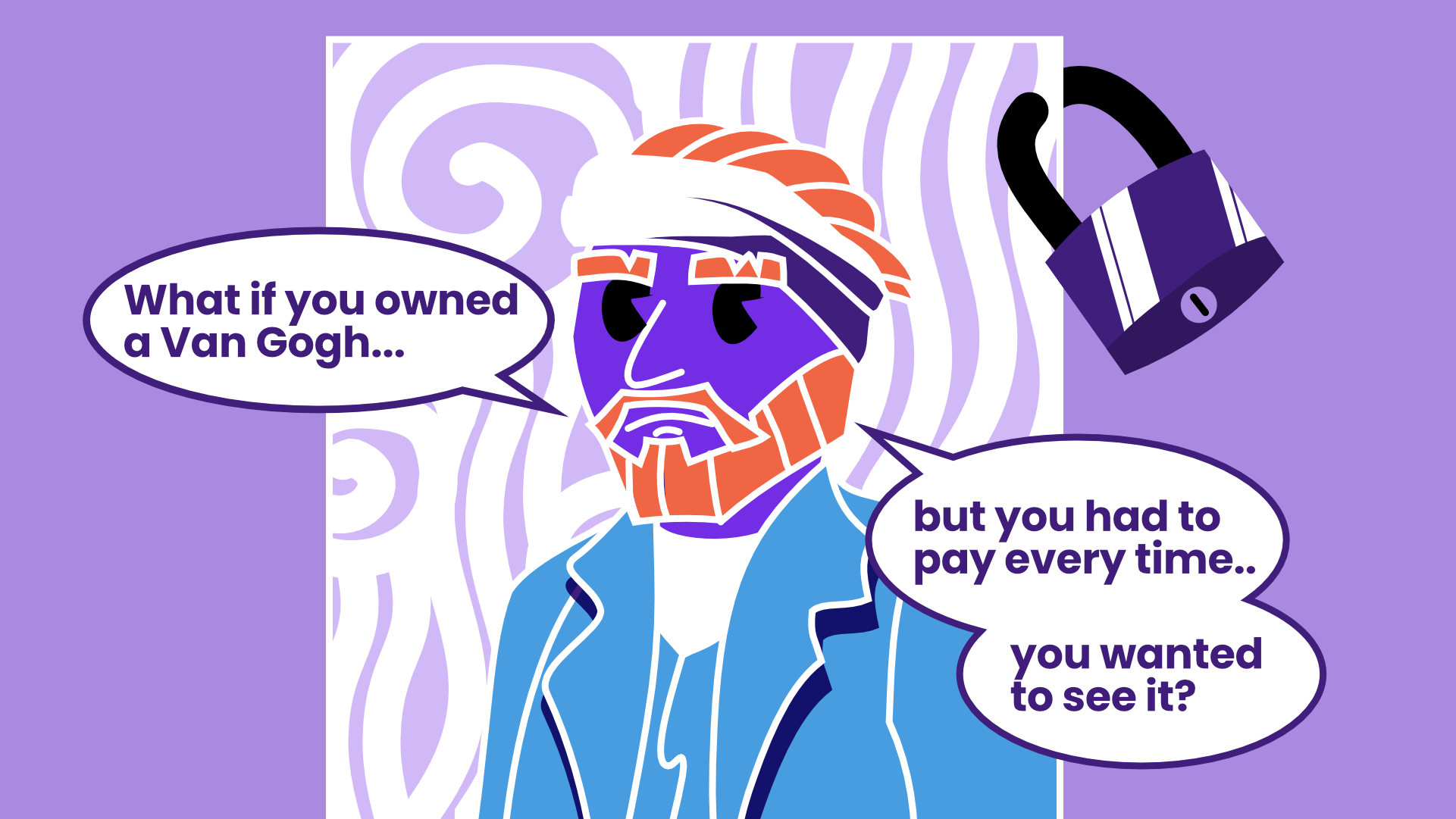
Illustration by Todor Hlebarov
The open-source community, naturally, has a solution to this. Blender is completely open and downloadable at any point in time and space, which guarantees 24/7 access to your files and projects. Every version you download becomes your property. Companies like Canva are catching onto this concept. Their latest acquisition of Affinity and Cavalry, making them free to the public, is essentially openly opposing Adobe’s concept of how closed creative tools should be. With Affinity and Cavalry, you don’t own the software, but it borrows from the same ideas Blender has, built right into its DNA. It’s a step in the right direction, and I love their tools, but free would never beat free and open-source when it comes to ownership. Open software, open formats, open access.
The Missing Bridge
Having gone through this tedious thought process, I started re-learning Blender as a way to create motion graphics much in the same way I’d done in After Effects. My process would start with a sketch in Procreate, and then move to a vector software where I’d draw or build my vector graphic. Once it’s done, I’d export it in a vector format like .svg, .ai, or .pdf, and import it into the animation software.
Online, I met Sergio Ribero, a motion designer and After Effects plugin developer, who’d created ToothPaste – a way to directly paste vectors from a design software, right into After Effects by utilising the power of SVGs – no tedious saving or restructuring needed. I helped test his plugin while it was still in development, and by the time I got back into Blender, I’d already gotten used to this workflow. It noticeably reduced the time between design and animation. It’s out there, and if you’re using After Effects, I’d highly recommend it.
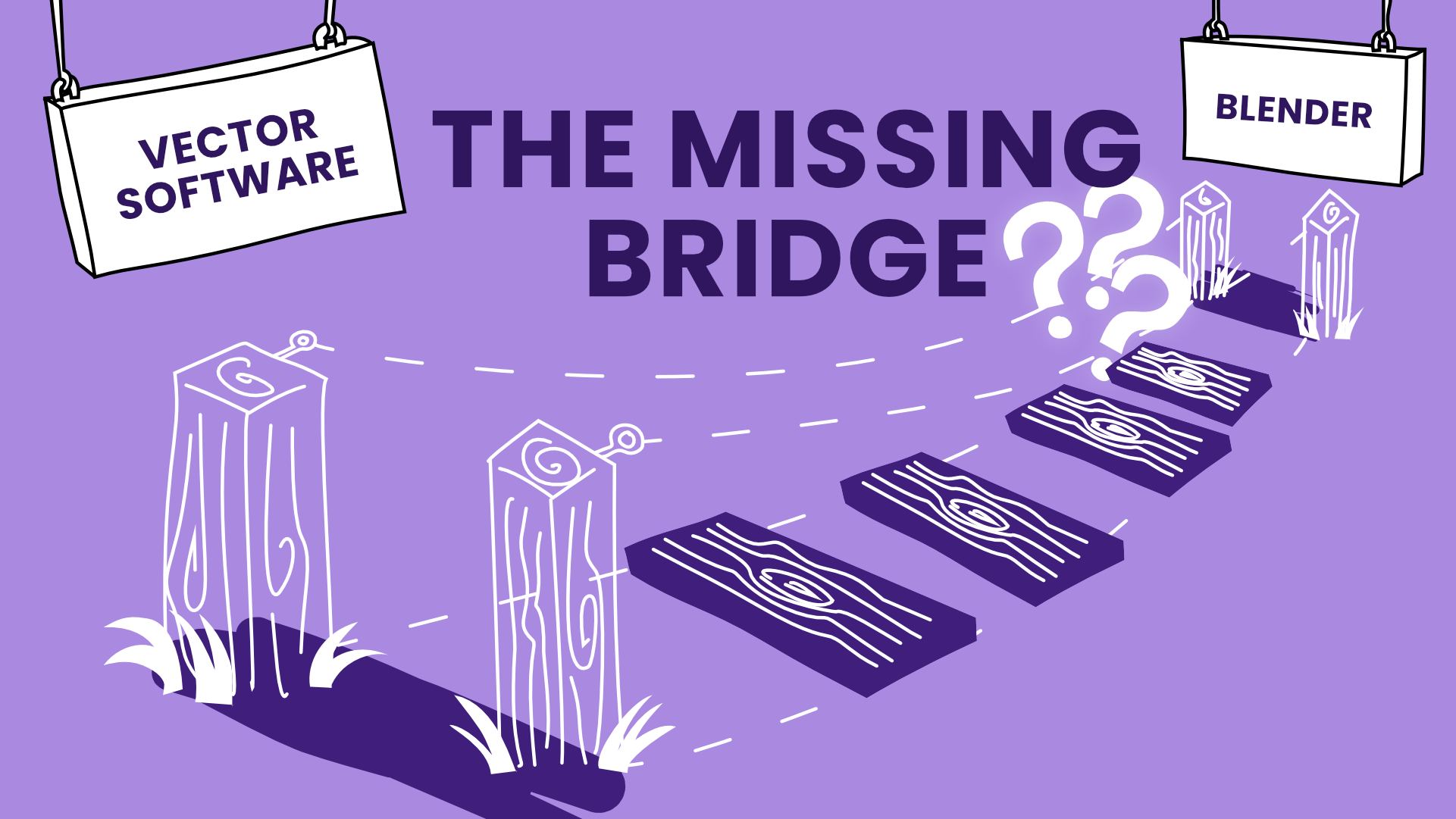
Illustration by Todor Hlebarov
This workflow also works in Blender with its built-in SVG importer that allows for importing SVGs as either curves or Grease Pencil objects. They’re both variations of 2D vectors transferred over to a 3D workspace. Both have their benefits and shortcomings, and can be used depending on the goal, but I’ll leave this for another time. What’s important is that Grease Pencil objects had a lot of the same properties as a vector shape would. This makes them a great fit as a way to bring vectors into Blender.
However, once I clicked the “Confirm” button and the import finished a few milliseconds later, I’d come to a dreadful realisation. I was left with a jumbled-together, unorganised mess - no layers, no groups, no structure. Some of the colours were missing completely, and masking didn’t transfer at all. All the precious time I’d spent putting together my vector drawing wasn’t enough; I’d have to spend even more time to rearrange everything again in Blender. That was it, the flow was broken, and I was bummed out. Blender, at this time, would slow me down noticeably with my animation workflow coming from After Effects on top of having to learn a new tool. Whatever Blender’s benefits, it still felt nearly impossible to replace After Effects for me. Or did it?
Building The Plugin
One approach when learning new tools is to adapt to the tool’s flow. Another is to make the tool fit your workflow instead. The second one is the harder approach, so naturally, that’s what I went for. (Blender still had it’s influence, now I naturally press G when I want to move something around in any tool I use!)
You can only bend Blender to your will (a little) when you’re a developer, and you know anything about Python. I’m definitely not one. Everybody should have a developer friend handy with some time spare while having a baby, and working at a start-up to help an animator friend in need. We discovered Blender’s Python scripting capabilities, and while he wasn’t versed in Python, we managed to put together a half-baked solution. It wasn’t technically usable at all, but it put in the general logic and the framework for the workflow I wanted to bring into Blender. (Thank you, Ivo!) I called it ToothPaste for Blender in honour of Sergio’s tool. Sergio was very kind to let me use the name.
Then the AI revolution hit – tools like ChatGPT became available that could write and fix code with very few mistakes, and let me finish the tool and my programmer buddy spend time with his family. Although I used to be a decent coder quite a while ago, today, I cannot write a single line. What’s left, however, is the understanding of how to approach a coding problem, considering the process to reach a solution, and last but not least, to test it.
It took literal years, and more than a few weekends and pockets of free time, to go from the prototype to a working, usable version 1. Getting there didn’t only require setting up a robust process behind it, but also building files to test it with, and try out real-life use cases I’d come across, going back and forth between design apps, AI, and Blender. The goal was to mimic the process in After Effects I described earlier, and transfer it over to Blender in a way that plays to Blender’s strengths. This helped me come up with features that utilised Blender’s capabilities to a fuller extent, like supporting both Grease Pencil and Curves — features that would benefit a motion designer in their workflow. Most of it comes down to how the SVG format works in its essence.
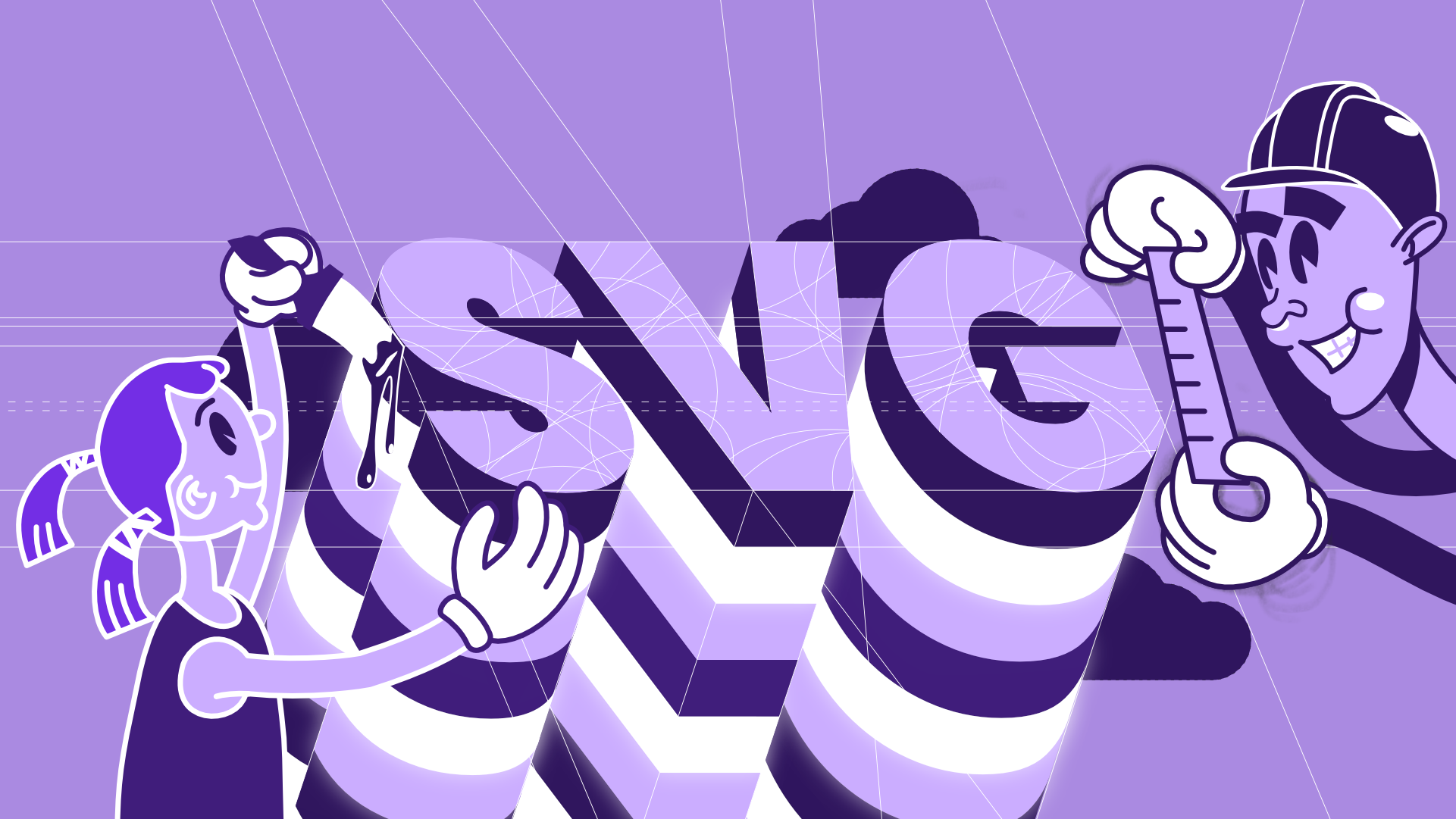
Illustration by Todor Hlebarov
What people don’t know about SVGs is that, because of their open nature, everyone builds them slightly differently. It’s like having different types of screw heads that do the same job essentially, but one requires a flathead screwdriver, the other - a Phillips, the third - a hex screwdriver. But I wanted to build a multitool, not a single-purpose solution. It was important to build a workflow that would help animators regardless of the design app they used, so I had to cover the most widely adopted ones . Adobe Illustrator, Affinity, Figma, and Inkscape each have their own way of structuring SVGs - they handle top-level containers, groups, and masks in slightly different ways. ToothPaste had to account for those differences, detect them, and retain the structure in Blender without reorganising the graphic.
The features I’m most proud of are mask and grouping support. Everyone who has built a vector graphic (yeah, they’re rather built than drawn) knows how crucial these are. They’re part of the unseen, unpaid work a lot of graphic and motion designers go through - organising a file so that it’s usable at a later stage in the production process. And the more complex the vector graphic, the more critical masks become, as they provide a way to hide parts of the image. For example, a character may be made to blink only using a mask that would act as an eyelid. For motion work, this is even truer, as file preparation can make or break a project. Poorly set-up files that require a lot of additional work before the animation stage can eat up precious time from the production bucket. When that’s unexpected, it would stretch the project by a margin, and the budget will inevitably take a hit. At this point, it’s not simply about saving time or the sanity of the animator, but when it comes to production value, this little tool would also make sure you don’t break the bank.
Open By Design
At some point, after initial testing, all the basic features were already there, and a first working version was established. I loved the fact that I could get more motion designers and animators who shared a similar workflow to start animating in Blender. I thought about selling it, but honestly, it’s about providing creators with the ability to animate freely, without having to wonder who owns their files. This is where Blender comes into play, but even more so, it’s the community behind it.
There are so many tools I use in Blender nowadays that are completely free, that alter how you interact with it in meaningful ways. I believe ToothPaste can be one such tool that’s a must-have for 2D animators, as it fits right into the animation workflow where it really matters - in the preparation stage. Because of this, it made complete sense to open-source it and provide both fellow animators and Blender devs alike the ability to expand on it if they found it useful. As of the time I’m writing this article, 1500 people have already downloaded it and have it in their toolbelt.
“It's easily the best SVG importer I've tried yet.”-luis-torres-3 (5 stars)
So, Did It Work?
The functionality is there, and the most valuable features of SVGs that Blender also supports are already available. So… Did it help motion designers and animators try a tool that’s more open and cares about ownership, and approaches 2D animation in Blender in a new, but familiar way? I sure hope so. The animation and motion design community is growing bigger every day. A huge reason for that is that founders and marketing managers are finding that animation helps set their business apart, attract more attention, and is becoming applicable in a growing number of use cases. Software products, broadcast and streaming, and even live sports and events are breaking animation away from its digital boundaries, by gradually bringing it into the physical world. This requires the animation and motion design industry to adapt to new surfaces, sizes, and standards, approach new challenges in creative ways, and expand the limits of what animators’ tools can achieve.
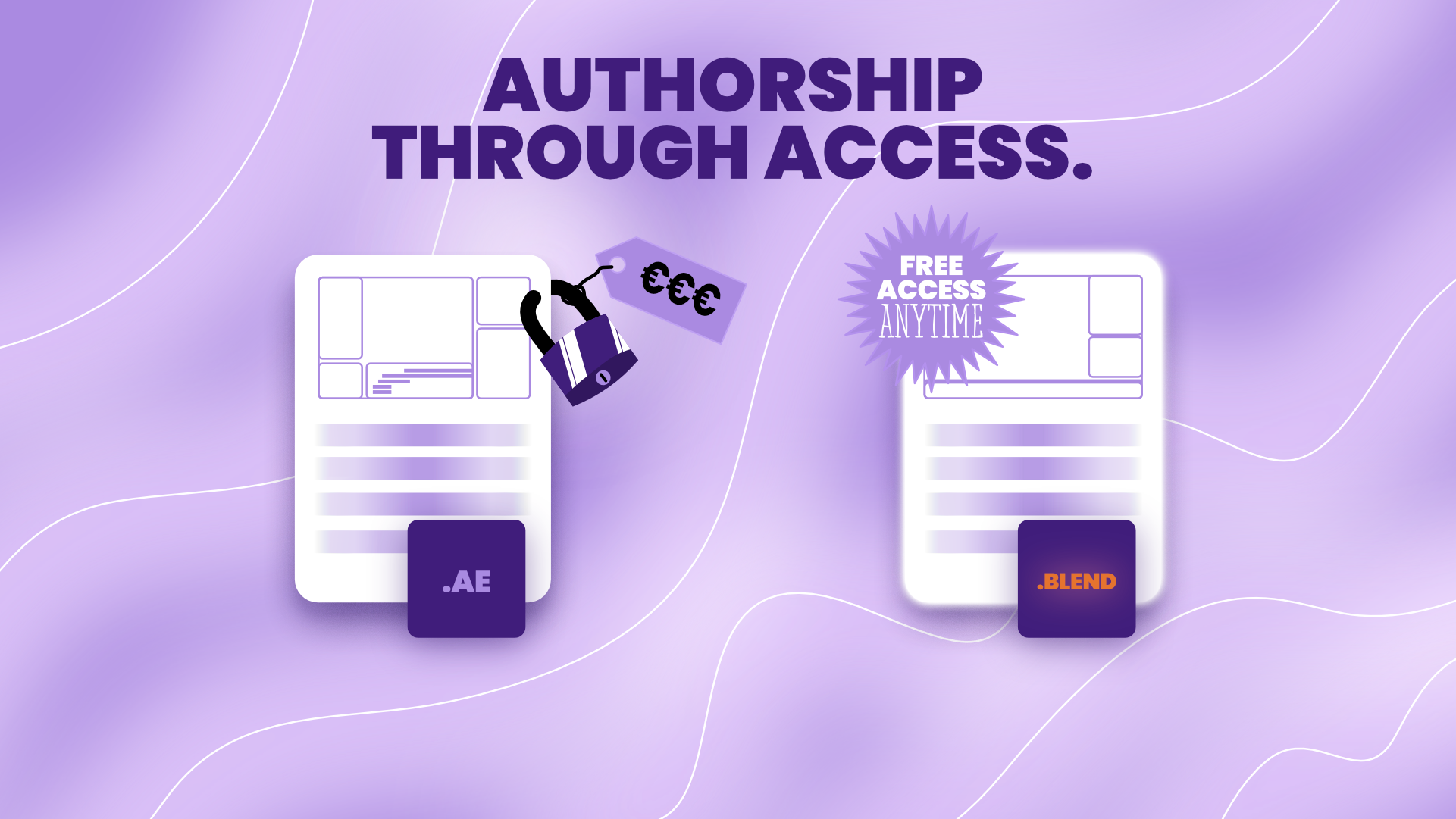
Illustration by Todor Hlebarov
New use cases appear every day, and new tools pop up to fill those gaps almost immediately. But what matters more is whether existing tools can grow beyond what their creators imagined — and with Blender, the community makes sure they do. In that context, Blender is more than a tool built for a single purpose; it’s a Swiss army knife — due to its versatility, it can grow in ways even the devs couldn’t imagine, thanks to the community around it. However, a word of warning — Blender will never be After Effects, and it shouldn’t try to be.
What it does better is the 3D-first aspect of working with it — everything you do in Blender goes through the lens of real-world physics (or the simulation of said physics), and if your brain works in the context of space, you’d fit right in there. This goes for 2D animation in Blender, too - it’s inherently 3D, so layering, depth, and lighting come naturally. ToothPaste just fills that pesky preparation step before the animation stage.
It still can’t really get on the same level as After Effects for compositing and colour correction, despite having some great tools for it. After Effects is just more mature in that regard and has a wide range of effects and presets that come packaged with the software. One good example is, maybe I’m a little biased — masking. It is more streamlined, masking tools are more complex, and masking is generally easier to do in After Effects — it takes some getting used to in Blender.
Honestly, I’m not advocating against After Effects, but for Blender. In terms of 2D or 2.5D (2D with a 3D feel) animation and characters, you could animate in Blender and still composite in After Effects just the same. Both tools could work together, not against each other. But now that ToothPaste exists, it's even easier for animators to make their own choice. This is what it’s all about — freedom and ownership.
Try ToothPaste Yourself
No amount of presentation beats trying the tool yourself. As it will never be a paid plugin, you can already access it from its Blender Extensions page. Or you could boot Blender up, go to Edit > Preferences > Get Extensions, and type in ToothPaste.
On my end, I’ll try to keep it updated as new versions of Blender get released, and I’ll keep it open for everyone to use.
If you find it useful, there are a few ways you could support me along the way:
Rate & Review ToothPaste on Blender Extensions
Tell me if you encounter any errors so I can fix them
Send me ways I could expand the functionality that you find useful
Feel free to buy me a coffee
If ToothPaste helped you on your Blender journey, I’d love to hear it!
The Real Price of Creative Tools
Remember, as of today, as animators and creatives, we rarely own our tools, and by extension, our creations. It’s like Michelangelo paying a subscription to go see the sketches for the Sistine Chapel, never owning his brushes and paints, or if he had to rent his chisel to sculpt David. A lot of our tools are digital, but we’re just stepping into a world where we’ve already lost ownership of our tools through subscriptions. The earlier you, as a creator, realise that your ability to conjure anything out of thin air is your greatest strength, the sooner you will find a way to keep your creations yours. Open-source tools, and Blender in particular, are built with this in mind. While the journey may be bumpier, they protect our right to access. Authorship through access.