
Written by Todor Hlebarov, Co-founder & Motion Designer @ Cosmonavt Studio
The Animation Process at a Glance
Who it’s for: Startups and enterprises that want to build trust, close deals, and charge premium prices.
Typical duration: 6–8 weeks for a standard project.
Stages: 10 steps, from research and scriptwriting to final delivery.
Investment: Custom 2D animation is typically €2,500–€5,000 per minute (scope and style dependent).
Key deliverable: A strategically backed, high-quality animated video built to support business goals and brand identity.
What This Guide Will Help You Understand
If you’re here to learn the animation process explained in plain language, you’re in the right place. This is a practical breakdown of the animation production process — not just what happens, but what you can expect at each step.
When you understand the animation workflow, three good things happen: feedback gets sharper, approvals get faster, and the final video gets a better return on investment (ROI). Never heard of animation ROI? Yeah, we get it — we are all about the performance of videos that can be measured.
Long story short: a strong animated video process doesn’t just produce a good-looking video. It helps your company explain better, build trust faster, and sell with more confidence.
We know you came here to get the answer to:
Why Your Animated Video Doesn’t Sell
Most animated videos don’t fail because the animation is “bad.” They fail because the message isn’t sharp enough to earn trust. The usual culprits: unclear positioning, a script that explains features instead of value, visuals that distract instead of clarify, and a CTA that’s either timid or missing. When those fundamentals are fixed early in the animation workflow, the same production quality suddenly starts converting — because the video is doing a sales job, not just looking nice.
In other words, your video needs direction before motion. That’s why our animation workflow is built around three phases.
Our Process at Cosmonavt: Dream. Design. Deliver.
Most animation projects don’t fail in After Effects or Blender — they fail in the fog. Vague goals, vague messaging, vague feedback, decisions by a committee… then everyone wonders why the explainer video production process “took longer than expected.” That’s why we keep the animation production process simple on the surface and strict underneath:
Dream: strategy and planning (pre-production)
Design: visual development and production
Deliver: polish, sound, and final delivery (post-production)
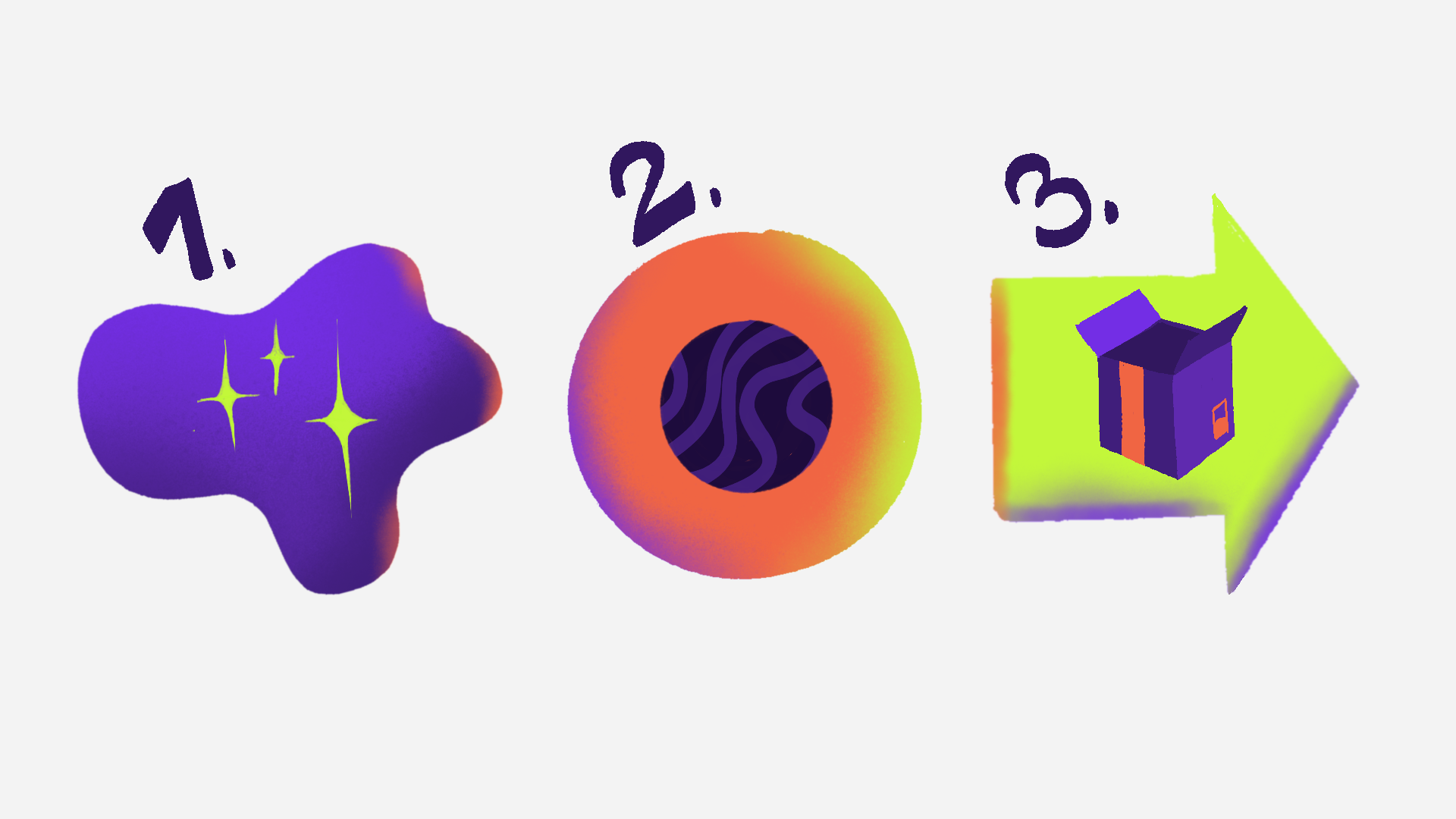
“Dream. Design. Deliver.” illustration by Todor Hlebarov
Three phases. Clear checkpoints. Fewer surprises.
Why Pre-Production Matters Most
Pre-production is where projects are “won” or “lost.” Because:
An unclear message means expensive revisions
A weak script means weak video
No visual direction means an inconsistent brand
If you want premium results, this is where you earn them.
DREAM: Strategy & Planning (Pre-Production)
Step 1: Research and Discovery (Goals, Audience, Offer)
This is where we learn how your company looks, sounds, walks, and talks — and what impression your product or service needs to build in the customer’s mind. Because there’s no journey without a destination: awareness, conversion, onboarding, sales support — whatever success means, we define it early.
In real-life terms, this is a kickoff call and a structured brief. We rely on your in-depth knowledge of your business, and we help you bridge the gap to an animated video that sells. We review brand assets, identify gaps (what needs to be designed from scratch), align on your target audience, and lock the primary message plus the call to action (CTA). The goal is simple: prevent making a “nice” video that doesn’t move the needle.
How We Use AI in Our Animation Process Without Cutting Corners (Steps 1–5)
We use AI where it accelerates decisions — not where it replaces craft:
Step 1 (Research): faster synthesis, clearer briefs, smarter reference clustering
Step 2 (Script): quicker iterations for clarity, pacing, and alternative hooks
Step 4–5 (Art Direction + Design): exploration and variations (not final brand assets)
Step 6 (Voice-over): AI voice-over can reduce budget when needed
It’s a speed boost for thinking — not a shortcut for quality.
Step 2: Scriptwriting (The Message Before the Motion)
A great animation cannot fix a weak script. This is why scriptwriting is just as important as the visuals — sometimes more. A good animation script follows your tone of voice, stays concise, and is built for conversion. The structure is classic for a reason:
Hook → Problem → Solution → Proof → CTA
How long should an explainer video script be?
For most business explainers, the strongest range is 60–90 seconds, which is roughly 140–220 words at a natural speaking pace. That’s enough time to introduce the problem, position your solution, and guide the viewer to the next step — without turning the video into a lecture.
This range also forces a useful discipline: clarity over completeness. The goal of an explainer isn’t to say everything. It’s to make the right next step feel obvious.
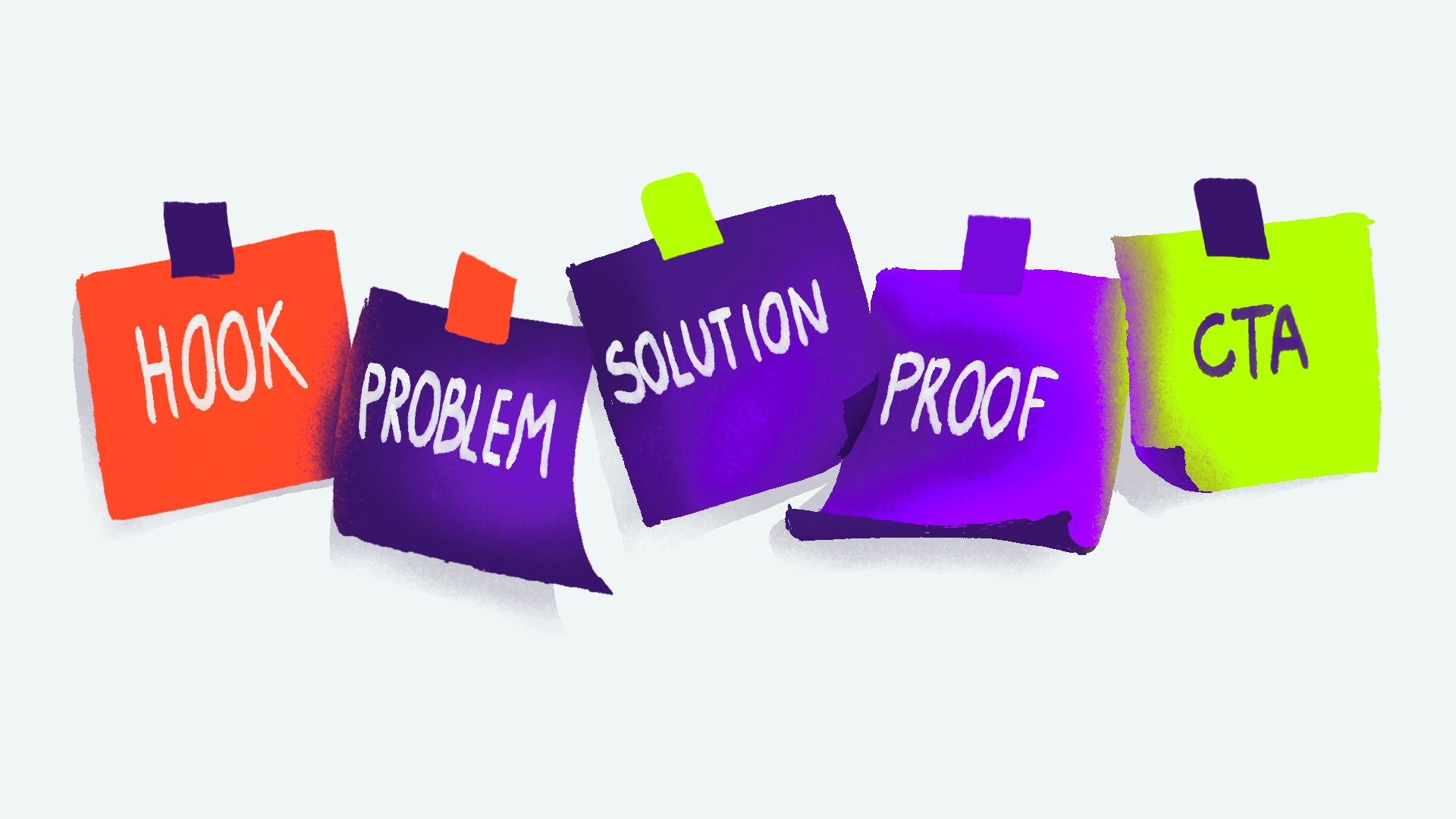
“Script” illustration by Todor Hlebarov
Step 3: Storyboarding (Turning Words Into Scenes)
Once the story is set, we plan the flow. Storyboarding maps the scenes, pacing, framing, and key action — usually with notes that clarify movement and transitions. It’s the blueprint for the animation.
This stage exists for one reason: alignment. It lets you review the logic and messaging before the expensive part starts. More time spent here means less time spent “fixing it in production.” Changes are faster, cheaper, and less emotionally draining to everyone involved.
Step 4: Art Direction (Defining the Visual Style)
Pacing and flow mean nothing if the video doesn’t look and feel right. Art direction defines the visual rules: style references, color combinations, typography, and motion style examples that set the tone. Premium? Playful? Technical? Clean? We choose deliberately — because “kind of everything” is how brands end up looking like nothing.
How animation style affects how premium your brand looks
Animation style is one of the clearest pricing signals your brand sends — and it’s where companies often fall into the affordable premium trap. They want the video to feel premium, but also want premium results at a low price, so the outcome becomes a compromise: mixed references, trendy effects on top of basic design, and motion that tries to impress instead of clarify. That in-between look doesn’t read as “smart value.” It reads as indecision — and indecision looks unreliable.
Premium animation usually does the opposite: disciplined design, strong typography, consistent illustration rules, controlled pacing, and motion with a job (guide attention, emphasize meaning, build confidence). Even when it’s simple, it feels expensive because it feels intentional.
DESIGN: Visual Development & Production
Step 5: Design and Illustration (Building the Visual Assets)
This is where art direction becomes something you can actually point at. We design the scenes, characters, UI/product visuals, icons, and layout systems that will be animated. We also build reusable assets and templates where it makes sense — so the animation stays consistent and supports clarity instead of becoming decorative noise.
What clients usually approve at the design stage
At the design stage, you approve the look and the rules before anything moves. That typically includes scene layouts (what’s emphasised), illustration style and detail level, colour palette, typography, icon/character style, and any product UI visuals that need to be accurate. Once these decisions are approved, animation becomes execution — not exploration — which protects both timeline and budget.
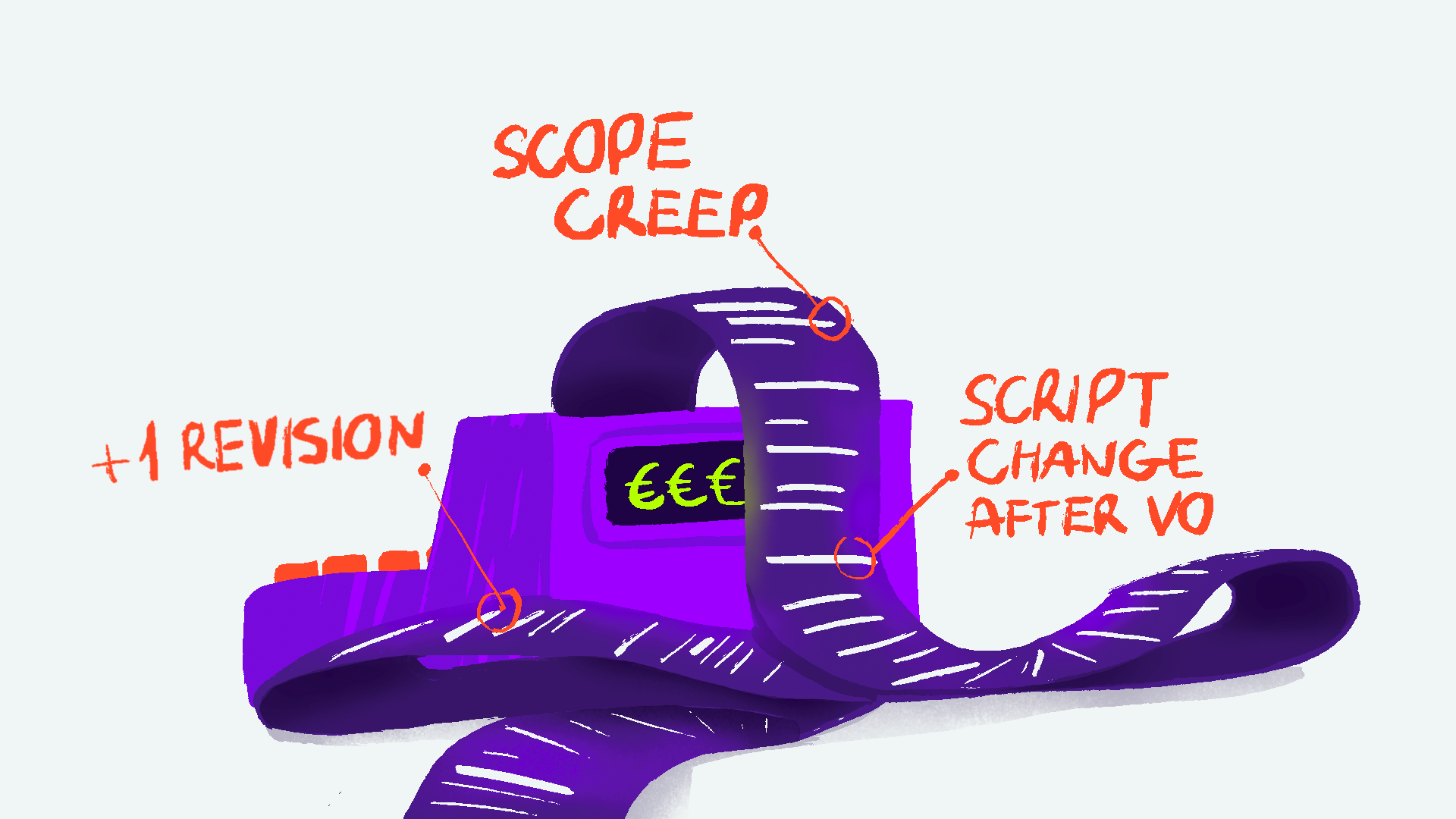
“Costs” illustration by Todor Hlebarov
Step 6: Voice-Over Recording (Optional but Often Critical)
Voice-over isn’t mandatory — but for explainers and product animation, it often makes the message land faster. We work with recording studios to cast the right voice, record clean audio, and edit it professionally, so your narration is clear and credible (not “Zoom mic chic”). We can also provide AI voice-over as a lower-cost option; it’s faster and more budget-friendly, while human-recorded voice-over sounds more natural and makes nuanced revisions simpler.
Voice recording also sets the pacing. Change the script after voice-over, and you’re effectively changing the timing of the whole video — which can ripple through animation, editing, and delivery, prolonging production time and increasing costs.
Should you use a voice-over in an explainer video?
You don’t need it — but if your product is complex or your sales cycle is long, narration is often the fastest path to clarity and trust. It reduces cognitive load, adds authority, and helps viewers follow the logic without effort. If the goal is conversion, voice-over usually pays for itself.
Step 7: Animation Production (Where Everything Comes to Life)
Now we animate: scenes, transitions, timing, movement polish, motion graphics, and text. Depending on the video, animation might be mostly typography and infographics — or character-based scenes with more detailed motion.
You can expect milestone previews at increasing levels of polish. Each review comes with revision rounds to refine clarity and quality. One important note: more movement doesn’t mean better animation. Premium animation is about hierarchy, timing, and directing attention to the right message at the right moment.
DELIVER: Post-Production & Final Delivery
Step 8: Compositing, Colour, VFX, and Motion Graphics Polish
This is the final visual refinement stage: cleanup, consistency, effects, and finishing touches. We ensure colours are consistent across scenes, highlights land where they should, and the video feels like one cohesive piece — not a collection of separate shots.
Step 9: Sound Design and Music (The Part Most Teams Underestimate)
Sound is a trust multiplier. We add sound effects that match on-screen action, choose music that supports the tone (without overpowering the message), and mix everything so the video feels intentional and professional.
How does sound increase the perceived value of any animation?
Audio builds trust because it signals professionalism before the viewer even processes the visuals. Clear voice-over, balanced music, and purposeful sound effects make the experience feel controlled and credible — like the brand knows exactly what it’s doing. Weak audio creates uncertainty (“is this company legit?”), even when the visuals are great. Strong audio removes doubt and makes the path to “yes” smoother.
Step 10: Final Delivery (Formats, Versions, and Use Cases)

“Final delivery” illustration by Todor Hlebarov
Final delivery isn’t “here’s your MP4, good luck.” It’s making sure the video can actually do its job across the places your team uses it: website, sales decks, ads, social, events, onboarding, investor updates — anywhere trust needs to happen fast.
You’ll receive final exports in the right aspect ratios (typically 16:9, 1:1, and 9:16) plus versions tailored to each use case (for example: a punchier cut for ads, a clean homepage version, and a captioned version for social). We also package files with sensible naming and clear folders, so your marketing team can find the right version in 10 seconds, not 10 minutes.
What files should you receive from an animation studio?
At minimum, a professional delivery package includes:
Master video file (high-quality export) + a web-optimized version
Multiple aspect ratios (16:9 / 1:1 / 9:16 as needed)
Captioned version (burned-in captions or SRT, depending on platform)
Audio stems (voice / music / SFX) if future edits are likely
A clear naming system + folder structure (so your team stays sane)
Planning, Timelines, and Cost (Quick Answers)
-
Most explainer video production processes land in the 6–8 week zone — fast enough to be practical, slow enough to be good:
Short explainer (60–90 sec, clean style): ~4–6 weeks
Product demo animation (UI + motion graphics): ~5–8 weeks
Brand video (higher polish, more art direction): ~6–10+ weeks
Revision-heavy projects: add 1–3+ weeks depending on approvals
-
The biggest timeline killer isn’t animation — it’s indecision. Common blockers in the animation production process include:
Unclear feedback (“make it pop” is not a direction)
Too many stakeholders (more opinions than decisions)
Changing script mid-project (every change ripples into timing and scenes)
Missing brand assets (logos, fonts, product UI, guidelines)
Delayed approvals (two days per stage becomes two weeks fast)
If you want speed, you don’t need chaos. You need one decision-maker and clean checkpoints.
-
Cost is driven by complexity, not just length. Animated video pricing usually depends on:
Video length (more runtime = more scenes)
Style complexity (simple motion graphics vs rich illustration/characters)
Amount of custom illustration (especially from scratch)
Number of versions (aspect ratios, languages, ad cuts)
Voice-over, music, licensing (quality + rights)
Revision rounds (tight feedback loops = lower cost; drifting scope = higher cost)
Deadlines (rush work reallocates capacity)
Rule of thumb: if you want premium trust signals, budget for premium clarity and polish — not just minutes of animation.
-
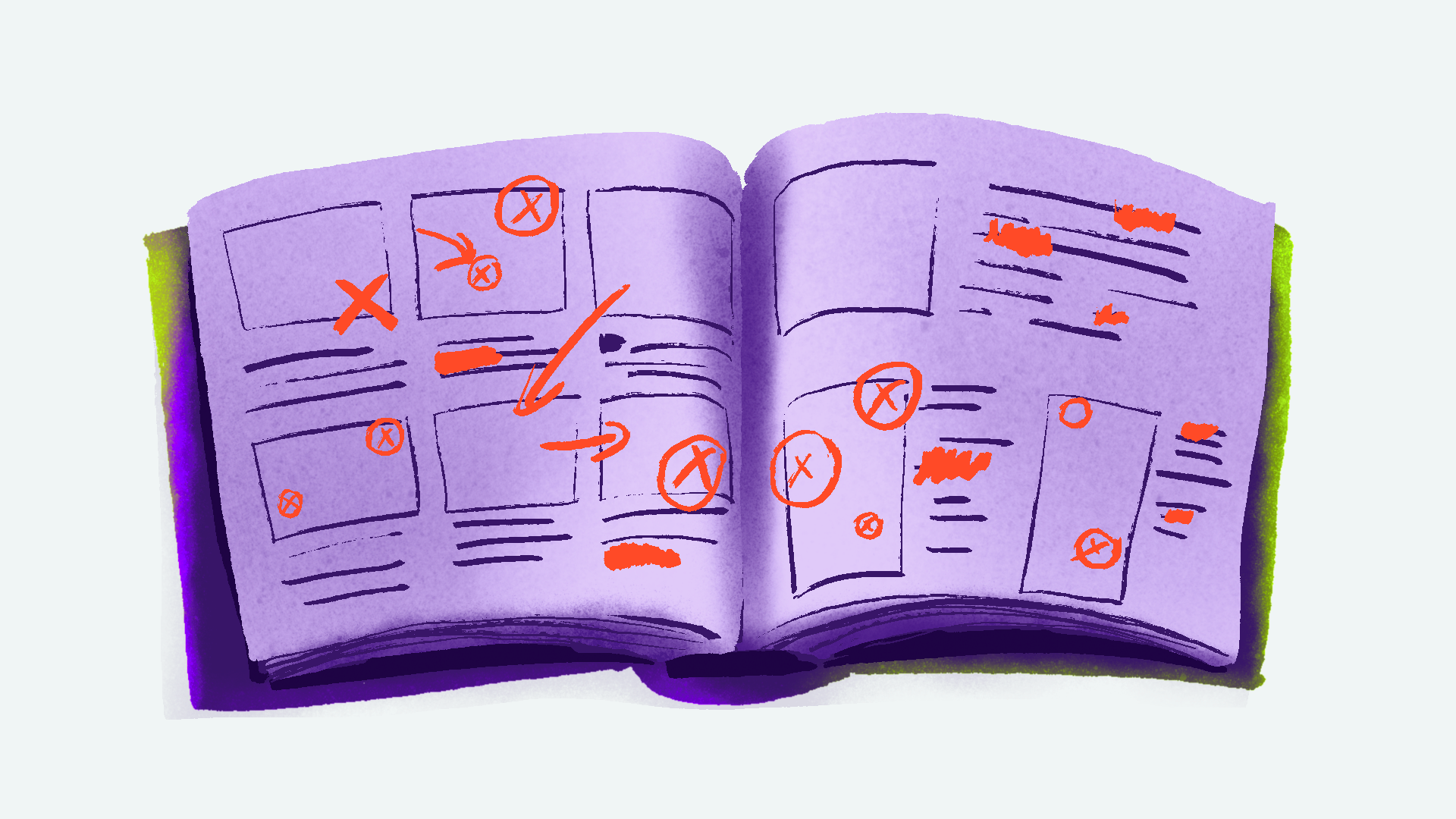
Most “bad animation experiences” are really bad strategy decisions wearing a motion graphics costume:
Starting with visuals before defining a clear goal and locking messaging (pretty confusion is still confusion)
Trying to say everything in one video (you don’t need a bible — you need a next step)
Too many decision-makers (feedback becomes noise)
Vague feedback (“make it more modern”) instead of intent (“make the CTA the hero”)
Treating animation as decoration instead of sales support (motion should guide attention and build trust)
Avoid those five, and your animated video process becomes dramatically smoother.
Our Animation Process at Cosmonavt (Why It’s Built for Trust)
Cosmonavt’s process is built for one thing: reducing uncertainty. Every stage ends with a clear checkpoint, so you always know what’s approved, what’s next, and what’s still flexible. That’s how we keep projects moving without panic, protect budgets from revision spirals, and ensure the final animated video supports business goals — building trust, supporting sales conversations, and helping your brand feel worth the price you charge.
“Common mistakes” illustration by Todor Hlebarov
Frequently Asked Questions About the Animation Process
-
The animation production process is the step-by-step workflow used to create an animated video: pre-production (research, script, storyboard, art direction), production (design + animation), and post-production (polish, sound, delivery). A strong process reduces revisions, improves clarity, and produces a more premium result.
-
Most explainer videos take 4–8 weeks, depending on style complexity, approval speed, and stakeholder count. If the script and direction are tight, production moves fast.
-
Pre-production includes discovery, scriptwriting, storyboarding, and art direction — defining what the video says, how it flows, and what it should look and feel like before animation begins.
-
Yes. Animation is expensive to change after timing is built. You can start from a draft, but you need a locked message and script before serious production starts. A great animation cannot fix a weak script.
-
Yes — and you should. Brand guidelines make design faster and the final video more consistent, which directly improves trust and perceived quality. Motion guidelines are the next step, when you want motion that behaves the same way across the board.
-
A healthy animation workflow usually includes 2–3 revision rounds per major milestone (script, storyboard, design, animation polish). The goal isn’t unlimited revisions — it’s aligned decisions at the right time, when saving on production time and changes are cheapest.
-
Yes — and you should ask upfront. Most teams need multiple aspect ratios (16:9, 1:1, 9:16), captioned versions, and sometimes shorter cuts for ads. Delivery should match how marketing actually deploys the video.
-
An explainer sells the concept (problem → solution → proof → CTA). Product animation sells how it works (features, UI, workflows, benefits in action). The process overlaps, but product animation usually requires more accuracy and UI fidelity.
Planning an Explainer or Product Video?
If your team needs to explain a complex product, build trust faster, or support sales with a clearer message, a structured animation production process is the shortcut — not to speed, but to certainty. Send us your goal, your audience, and a few references you love (and hate), and we’ll recommend the right approach — plus a realistic timeline and scope.